HomeAlfredDiaryDashboardCalendarWidgets

Widgets

Tick it off
without opening the app.

Habits, goals, your diary, your next event, a quick to-do and the time you have left. Choose the widgets that fit your day, and MainQuest is always one glance or one tap away.
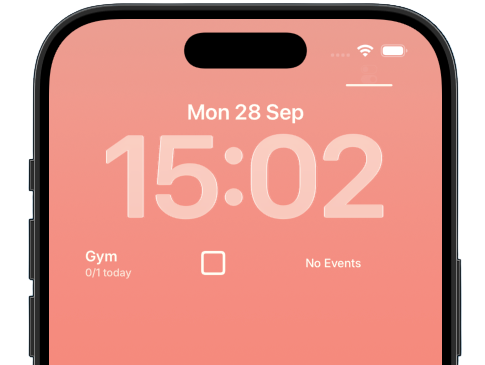
The MainQuest widgets on an iPhone lock screen: a habit with its checkbox, and the day's events
Read 20 pages
Up next: Sleep by 11

Widgets

MainQuest, without opening MainQuest.

MainQuest widgets on an iPhone lock screen
01

Check it off, right there

Tick today's habit from your lock screen or home screen. One tap, no app to open, no hunting for the right screen.

02

Know what is next

Your next habit, event or goal is always in front of you, so you know what to do next without opening MainQuest.

03

Yours to arrange

Habits or objectives, a diary prompt, your next event, a quick to-do, the year or your life counting down. Whatever you need to get the job done or step into MainQuest in one tap, pick the widgets that make your day feel lighter and calmer.

Currently available on

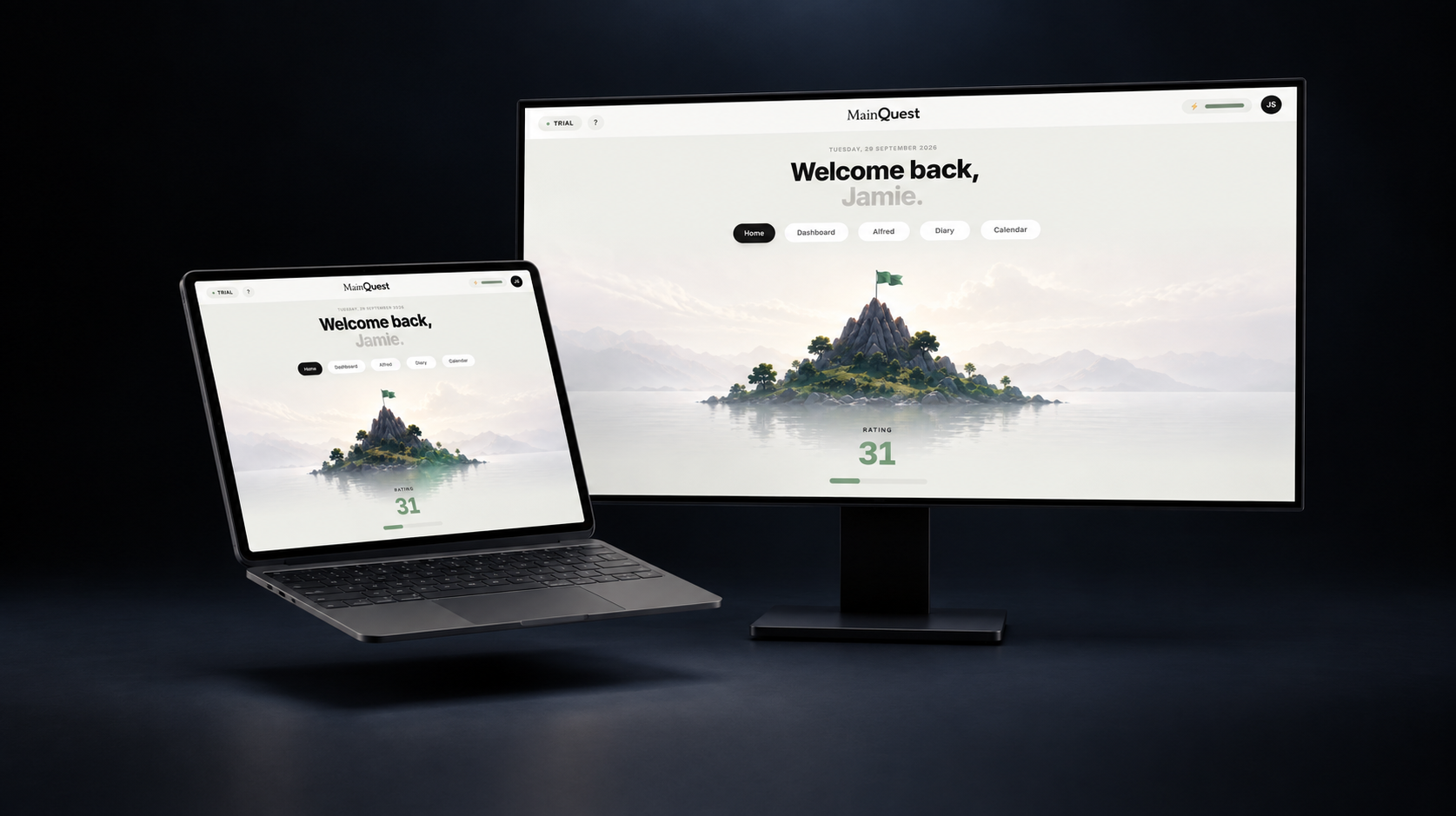
MainQuest open on a laptop and an external monitor

Open mainquest.page in any browser, desktop or mobile, no install.